What UI and UX Design Are: Core Concepts · Lesson 1 · 3 minutes
The Main Goal
Spot the user's real goal.
Play this lesson in your browser. No account needed.
Elena makes an app
Elena designs a bus app. A rider uses the app to reach a user goal.
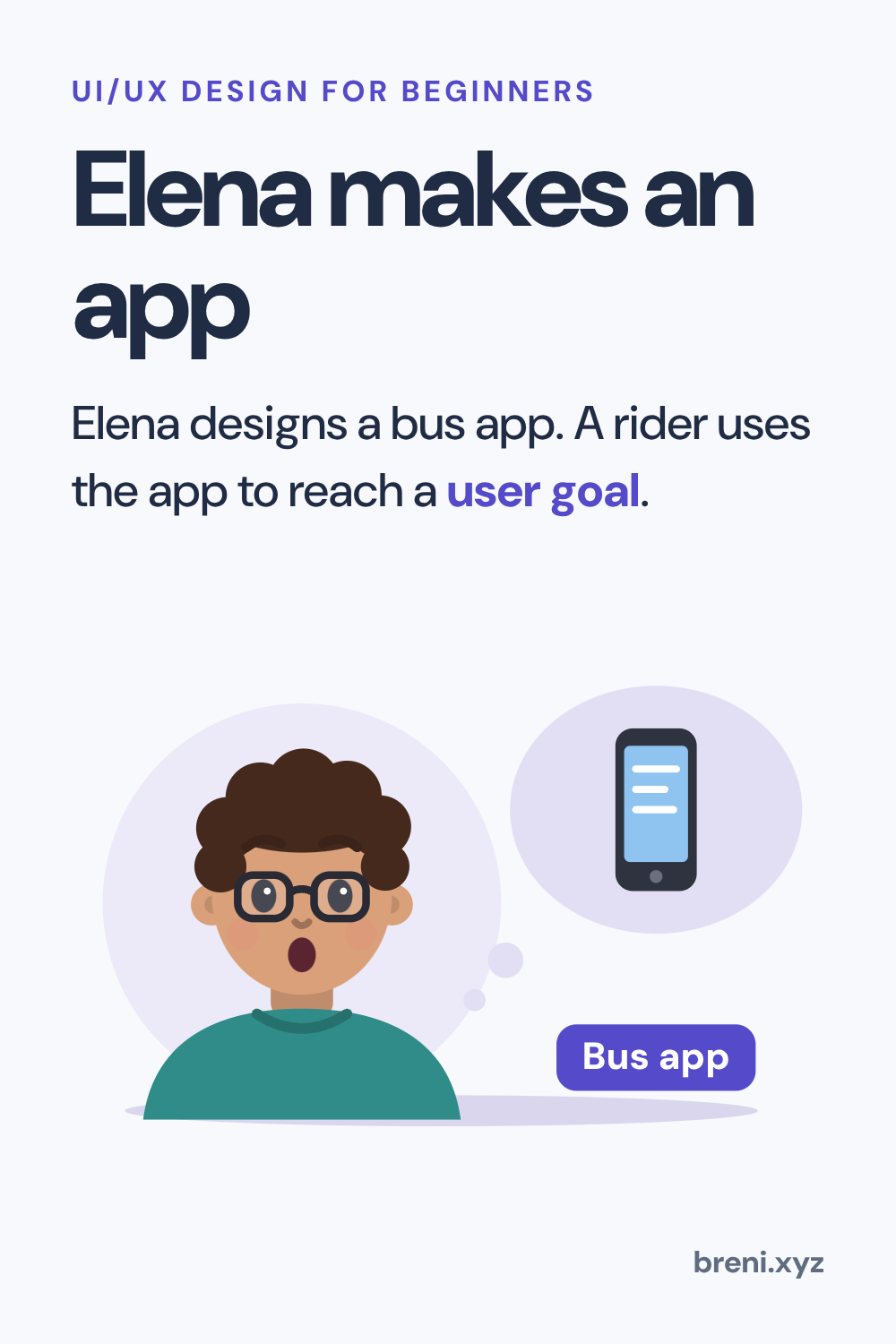
Rider Sam opens the bus app. What is Sam's main goal?
- Buy a bus ticket to ride home.
- Tap the blue payment button.
Answer: Buy a bus ticket to ride home.
A user goal is the real thing someone wants to get done.
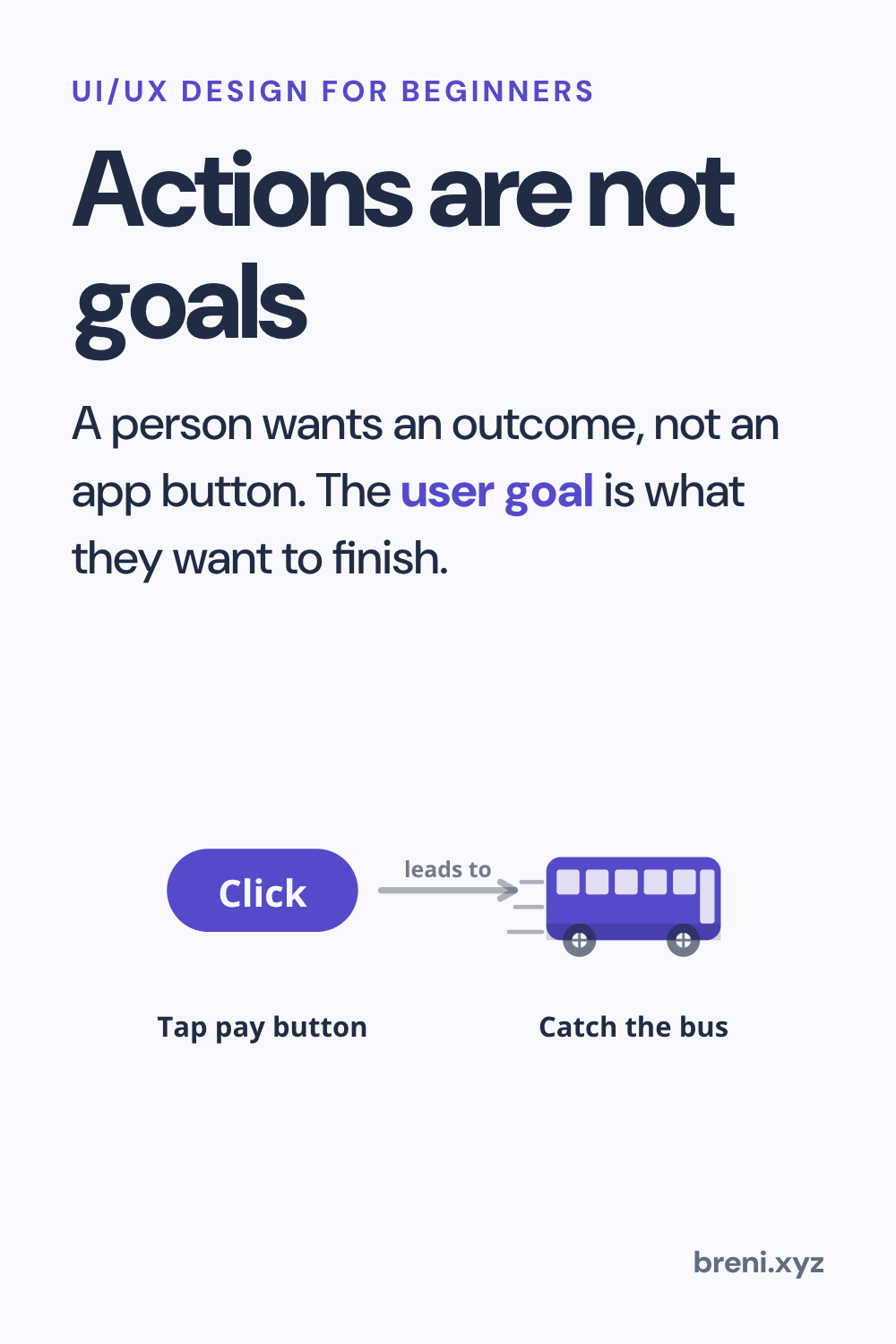
Actions are not goals
A person wants an outcome, not an app button. The user goal is what they want to finish.
Why does Elena look for the user goal first?
- To know what the user truly wants to achieve.
- To count how many buttons fit on the screen.
Answer: To know what the user truly wants to achieve.
The goal explains why the user opened the app.
Complete the rule about user goals:
Tapping a screen is an ___ , but getting a seat is the ___ .
Answer: Tapping a screen is an action , but getting a seat is the user goal .
The user goal is the outcome, while tapping is only a step.
Build Sam's goal statement:
Answer: Rider Sam buys a ticket to ride the bus home
The user acts to reach an end result.
Follow Sam's path to reach the user goal.
This one uses your voice or your writing. It is in the Breni app.
What to remember
- A user goal is the result a person wants to finish.
- Clicking a button is just an action on the way to the goal.
Next in this course: Steps on the Path. It carries on in the Breni app.