How React Works: Core Concepts · Lesson 1 · 3 minutes
The DOM Tree
Describe what the DOM is.
Play this lesson in your browser. No account needed.
Elena writes HTML
Elena writes HTML text for a shopping list. The browser reads this text file.

The browser builds a tree
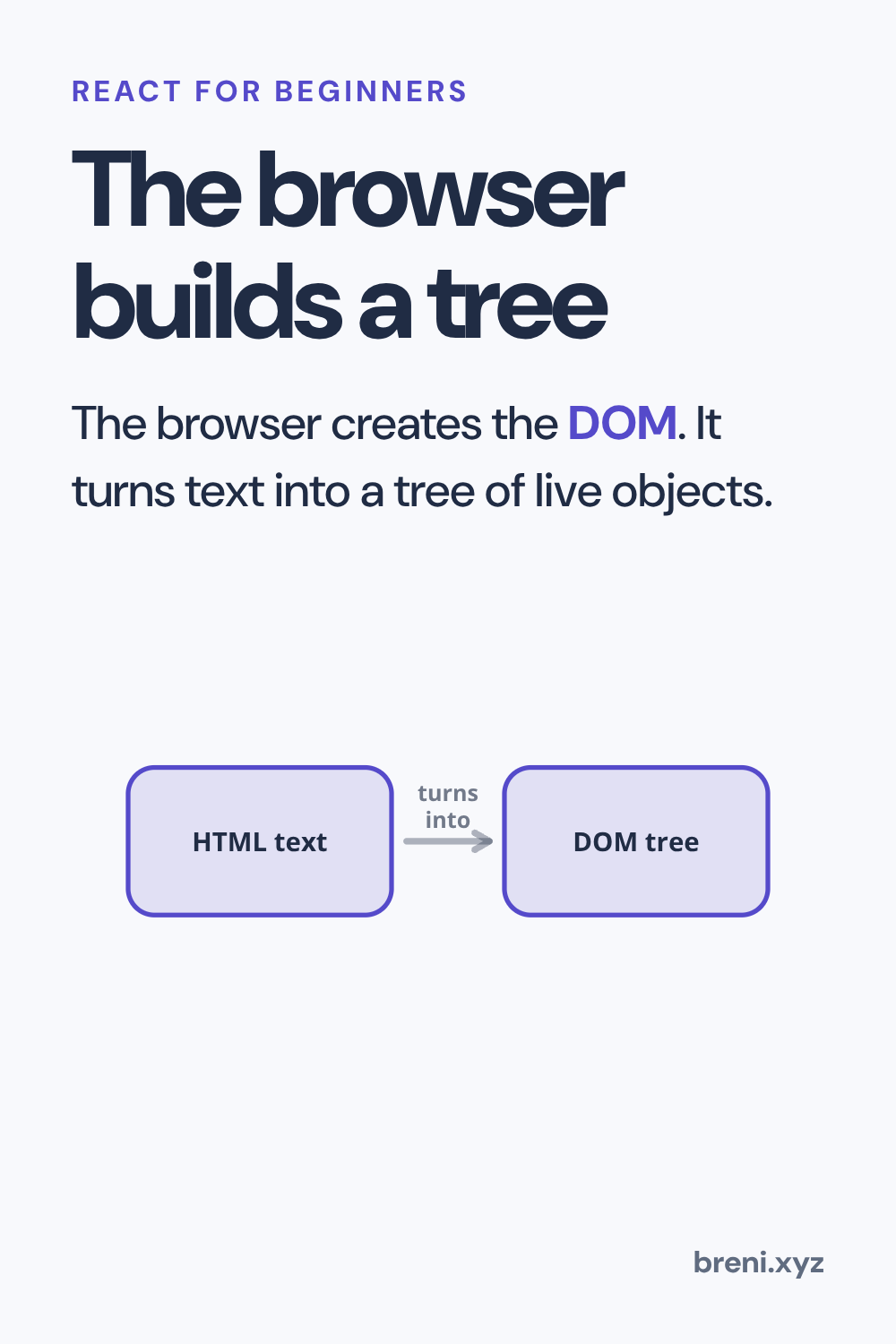
The browser creates the DOM. It turns text into a tree of live objects.
What is the DOM?
- A tree of live browser objects
- Just raw text stored in a file
Answer: A tree of live browser objects
The DOM is a live tree of objects in memory.
Complete the sentence about how the browser works.
The browser reads raw HTML ___ and builds a live ___ of objects.
Answer: The browser reads raw HTML text and builds a live tree of objects.
The browser transforms dead text into living nodes.
Show how HTML becomes what the user sees.
This one uses your voice or your writing. It is in the Breni app.
Connect each part to its role.
Answer: HTML tags DOM nodes live tree
Each HTML tag maps to a node inside the DOM tree.
Put the steps in order from disk to screen.
Answer: Elena writes HTML text → Browser creates the DOM tree → Browser draws the screen
First comes HTML text, then the DOM tree, then the visible page.
Elena changes a list item with code. What does her code talk to?
- Live DOM objects in memory
- The HTML file on the disk
Answer: Live DOM objects in memory
JavaScript interacts with live objects in the DOM, not plain strings.
What to remember
- HTML is raw text stored in files.
- The browser turns that text into a live DOM tree of objects.
- JavaScript changes the live DOM in memory, not the disk file.
Next in this course: Manual Updates. It carries on in the Breni app.