Your First Python Programs: Write and Run Scripts · Lesson 1 · 3 minutes
Get safe installer
Find the correct Python download page
Play this lesson in your browser. No account needed.
Start safely
Alex wants to write code. Alex needs Python. Only download Python from python.org.
Which web address is safe for Alex to use?
- python.org
- free-python-downloads.net
- fast-code-tools.com
Answer: python.org
python.org is the official site for Python.
Avoid other sites
Other websites offer Python installers. These third-party downloads can hide harmful software. Always choose python.org.
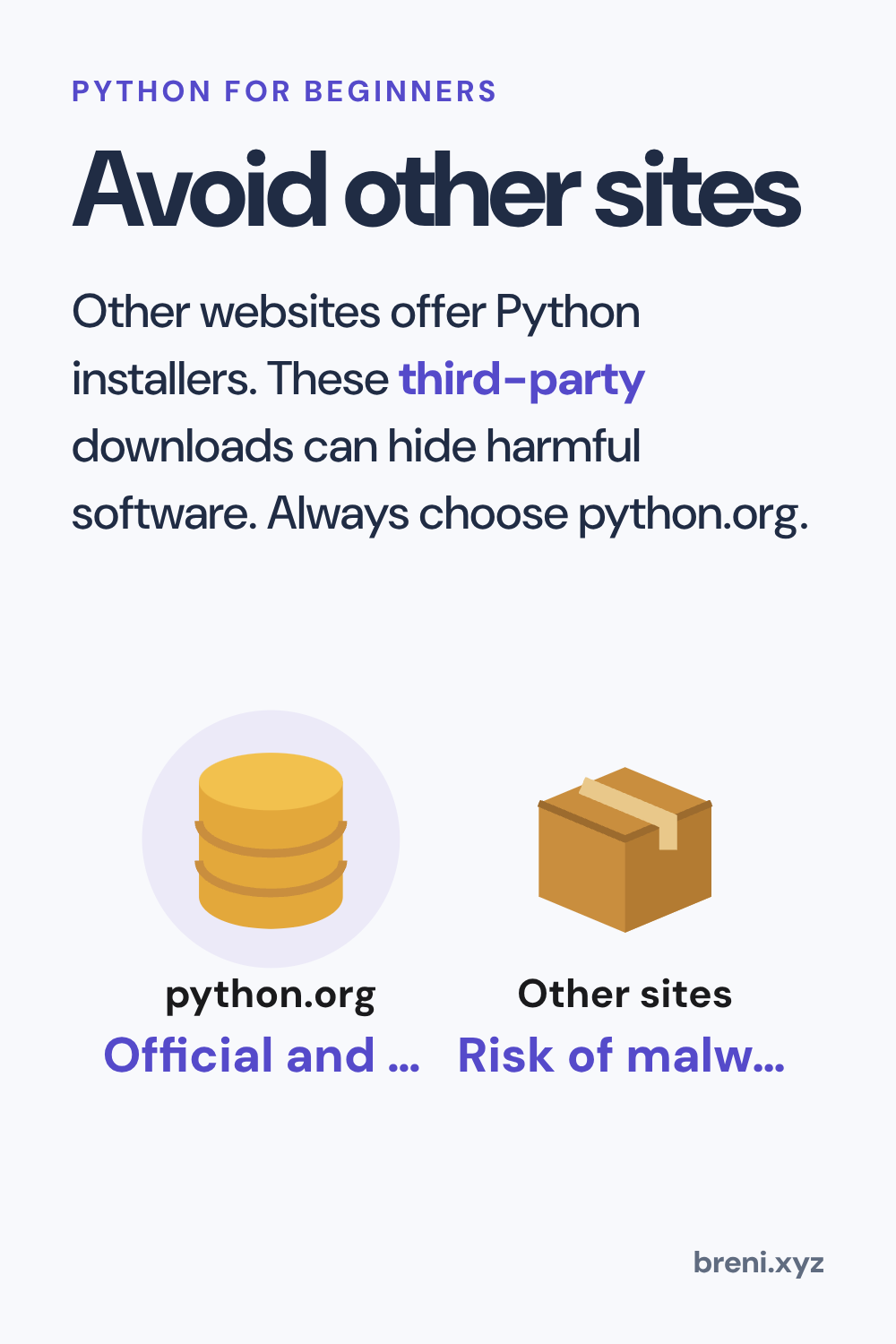
Why should Alex avoid downloading Python from other websites?
- They may bundle harmful software.
- They always charge money for Python.
- They only work on phones.
Answer: They may bundle harmful software.
Third-party sites can add malware or change the files.
Complete the steps for Alex to get Python safely.
Alex visits ___ and clicks the ___ tab.
Answer: Alex visits python.org and clicks the Downloads tab.
The official site is python.org and you click Downloads.
Put Alex's steps in the safe order:
Answer: Open the browser → Go to python.org → Open the Downloads tab → Download the installer
Go to the official site first, open the downloads page, then get the installer.
Build the safety rule for Alex.
Answer: Alex downloads Python only from python.org
Alex protects the laptop by using only the official site.
What to remember
- Always visit python.org to download Python.
- Third-party download sites can carry harmful software.
- Look for the official Downloads tab on python.org.
Next in this course: Set up installer. It carries on in the Breni app.
The full Your First Python Programs: Write and Run Scripts path