How the Web Works: Behind the Screen · Lesson 1 · 3 minutes
Clients and servers
Identify the role of a client
Play this lesson in your browser. No account needed.
Reading the news
Elena opens a browser on her laptop. She wants to read today's news.

The client
Your browser is a client. It asks another computer for web pages.

What is Elena's browser in this story?
- A client
- A printer
- A server
Answer: A client
A client is the program that asks for data.
The server
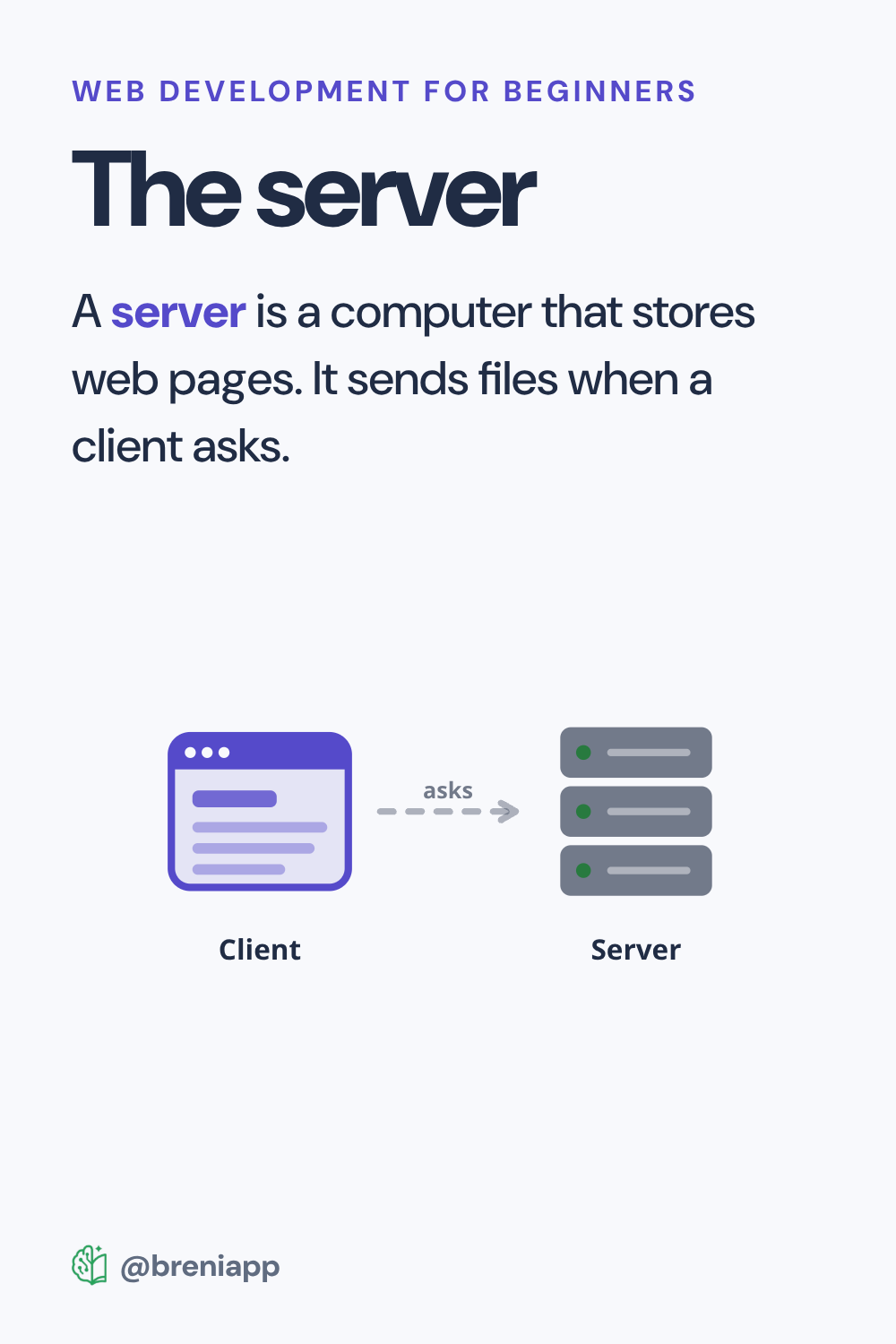
A server is a computer that stores web pages. It sends files when a client asks.
Does Elena's laptop already store every news page?
- No, a server holds the pages
- Yes, all web pages live on her laptop
Answer: No, a server holds the pages
Web pages live on servers until a client asks for them.
Build the sentence about how the web works.
Answer: The client asks for pages from the server
The client asks for pages, and the server gives them.
Put these events in order:
Answer: Elena opens her browser. → The browser asks the server for the news. → The server sends the page to Elena.
The client asks first, then the server sends the page.
Complete the summary:
Elena's browser is a ___. The computer storing the news is a ___.
Answer: Elena's browser is a client. The computer storing the news is a server.
Clients make requests, and servers store and send data.
What to remember
- Your browser is a client that asks for web pages.
- A server stores web pages and sends them out.
- Your device does not hold the whole web.
Next in this course: Sending requests. It carries on in the Breni app.